The popular advice is simple. Pick your favorite photos, drop them into an app, add music, export. That advice works for one personal slideshow. It fails when you need a movie of photos that is repeatable, correctly framed on every platform, and safe to publish. Treat it as an engineering pipeline instead. Normalize first, sequence deterministically, then scale and review before anything ships.
Table of Contents
- Why Most Photo Movie Workflows Fail at Scale
- Normalizing Mixed Assets for Consistent Output
- Sequencing Images with Precise Timing and Transitions
- Scaling Production with Cloud APIs and No-Code Tools
- Managing Privacy and Consent in Automated Pipelines
- Debugging Common Encoding Failures and Performance Issues
Why Most Photo Movie Workflows Fail at Scale
A single slideshow hides its weaknesses. You can manually crop one awkward portrait, nudge one caption, and accept a black bar that nobody else notices. At volume, those small decisions become the product, and manual correction stops being a viable control system.
Consumer tools optimize for speed of the first export. They don't guarantee that the same asset set produces usable variants for TikTok, Instagram Reels, YouTube Shorts, presentations, and web embedding. A horizontal image forced into a vertical canvas may lose faces at the edges. A portrait image placed in a wide player may leave empty space, shrink captions, or push burned-in text into unsafe areas.
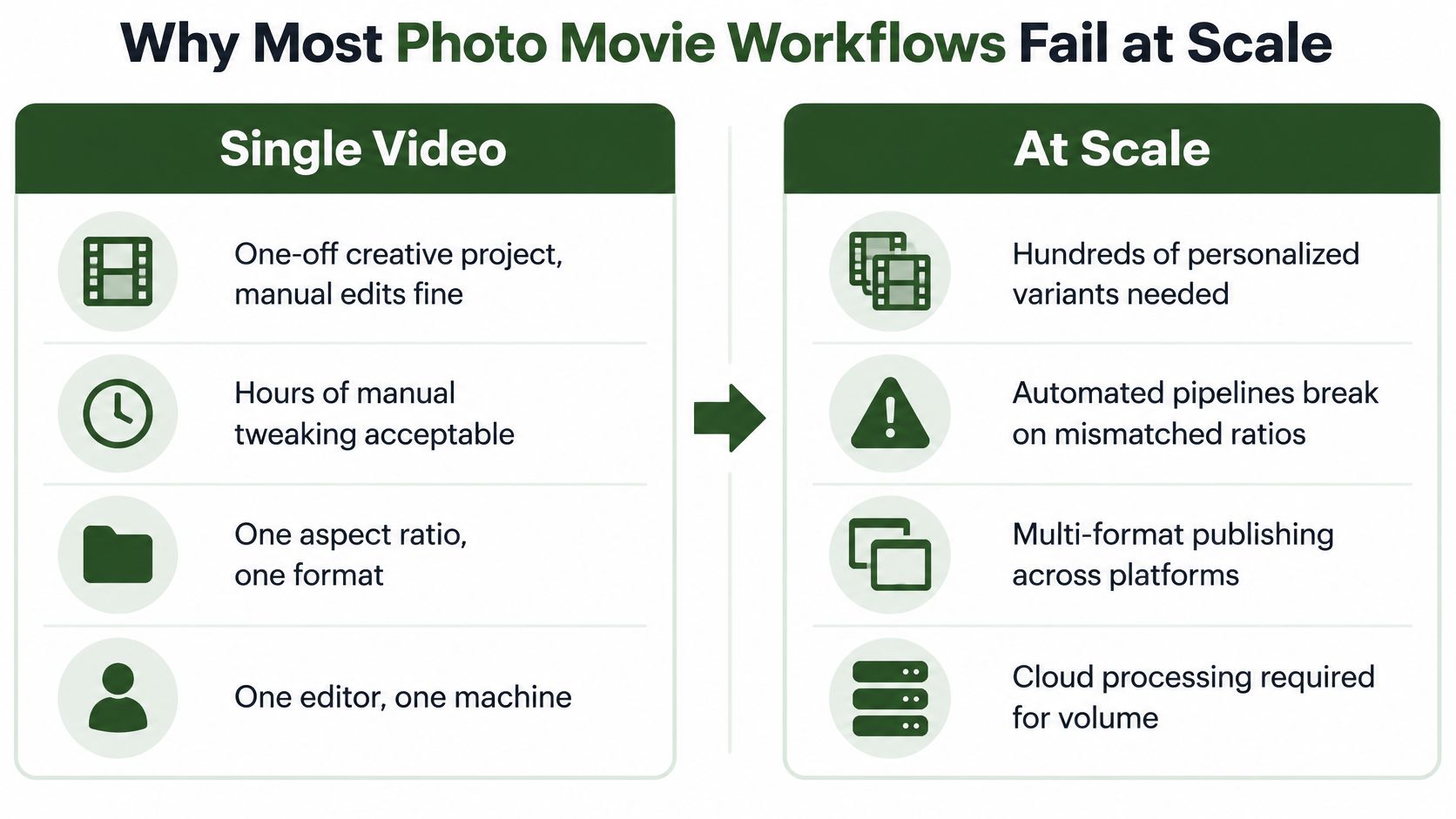
Demand doesn't remove that mismatch. A 2025 creator survey on short-form and photo-based formats found that 67% of creators preferred making short-form video, while photo-based formats remained important, including Instagram carousels of up to 20 slides, yet consumer tools often produce black spaces when source images don't match output orientation.
The Real Failure Points
- Undeclared canvas: Editors start sequencing before defining output width, height, and safe areas.
- Implicit crop logic: The app decides what's important, and it doesn't know which face, sign, or product edge matters.
- Variable duration: Default timing changes with music, templates, or asset count, so variants drift.
- One output assumption: A file that looks fine in a full-screen preview fails when embedded, cropped by a feed, or shown with captions.
Practical rule: If you can't describe the crop, duration, and text placement for every image without opening the editor, you don't have a pipeline. You have a series of manual rescues.
The fix isn't a better template. It's a contract. Every input gets normalized to known dimensions, every sequence uses explicit timing, and every platform variant is derived from the same approved intermediates. Creativity still matters, but it happens inside constraints that survive repetition.
Normalizing Mixed Assets for Consistent Output
Normalization comes before sequencing. If you feed vertical phone photos, square social crops, and wide camera files directly into a concat step, you'll debug framing and encoding at the same time. Create intermediate images on a uniform canvas first, then assemble those predictable files.

Start by choosing the delivery canvas for each variant, not by asking the source folder what it contains. Real estate teams face this exact problem with mixed room shots, and the best practices for vertical video listing photos are useful context for preparing stills before they enter a vertical timeline. For wide outputs, define your target using a clear guide to 16x9 aspect ratios rather than assuming every player will letterbox gracefully.
Three Normalization Strategies
Pad to preserve. Scaling inside the canvas and padding the remainder keeps the whole photo visible. A filter chain using scale with force-original-aspect-ratio decrease, followed by pad, works well for documents, product edges, and group photos. The trade-off is visible empty space, so choose a deliberate background color or brand treatment.
Crop to fill. Scaling with force-original-aspect-ratio increase, followed by a center crop, fills the frame and looks polished in feeds. It's destructive by design. Use it only when you have face coordinates, a subject bounding box, or a rule that protects the important region. A naive center crop is where heads, signage, and hands disappear.
Blurred background fill. Split the input, scale one copy to fill and blur it, then overlay a fitted copy in the center. This preserves the full image while avoiding hard black bars. It costs more processing and can look busy with text-heavy photos, but it's often the safest default for mixed user uploads.
Make Intermediates Boring
Convert every approved source to the same dimensions, color space, orientation handling, and file naming pattern. Bake EXIF rotation into pixels during this step, because downstream tools don't all honor orientation metadata consistently. Strip metadata you don't need for delivery, and keep the original untouched.
Normalize once, sequence many times. Predictable intermediates turn edge cases into listed inputs, not surprise failures during export.
Don't upscale aggressively to meet a canvas. Flag assets that would require heavy enlargement and route them to padded or blurred treatment instead. That's a quality decision you can encode, audit, and repeat.
Sequencing Images with Precise Timing and Transitions
Still images become motion through timing, not through an editor's timeline alone. The Lumière Cinématographe history at approximately 16 frames per second in 1895 established the frame-by-frame structure that transforms separate still images into apparently continuous motion through rapid projection. Your slideshow uses the same principle at a slower, deliberate pace.
For precise per-image duration, the FFmpeg concat demuxer is the clearest tool. You list each normalized file with an explicit duration, then repeat the final file entry without a duration so the last frame isn't dropped. That text file becomes reviewable timing data. A producer can inspect it, version it, and regenerate the same movie without reopening a GUI project.
Timing Without Guesswork
Assign duration by purpose. Opening and closing frames often need longer holds, dense detail shots need reading time, and simple establishing photos can move faster. Do not let music tempo change those choices. If you need beat alignment, calculate the cut points first, then write them into the sequence file.
Transitions change the implementation. A hard-cut sequence can stay relatively simple, but crossfades require decoded frames and re-encoding. The xfade filter needs offsets that account for cumulative durations, so generate filter graphs programmatically rather than typing long chains by hand. Off-by-one-frame errors here show up as flashes, frozen frames, or audio that gradually feels detached from the visuals.
If you're adding subtle zoom or pan, apply it consistently during sequencing and keep the movement slow enough that text remains legible. Teams that want more expressive motion for commerce can also animate photos for product pages, but deterministic catalog work still benefits from fixed start and end framing in your own pipeline.
Audio and Text in the Same Pass
Mux background audio with explicit start, fade, and end behavior. Use afade for controlled entry and exit, and decide whether audio should be trimmed to video length or dictate the final duration. Never leave that ambiguous.
Burn captions only when the platform variant requires burned-in text. Otherwise, deliver a caption sidecar where supported and keep the visual master clean. Watermarks follow the same logic. Bake them into distribution variants, not into normalized intermediates you'll need to reuse.
Scaling Production with Cloud APIs and No-Code Tools
A local FFmpeg command proves the logic. It doesn't prove you can generate hundreds of personalized variants when uploads arrive while nobody is watching a terminal. Scaling means moving the same deterministic commands into an execution layer with queues, retries, status callbacks, and controlled storage.
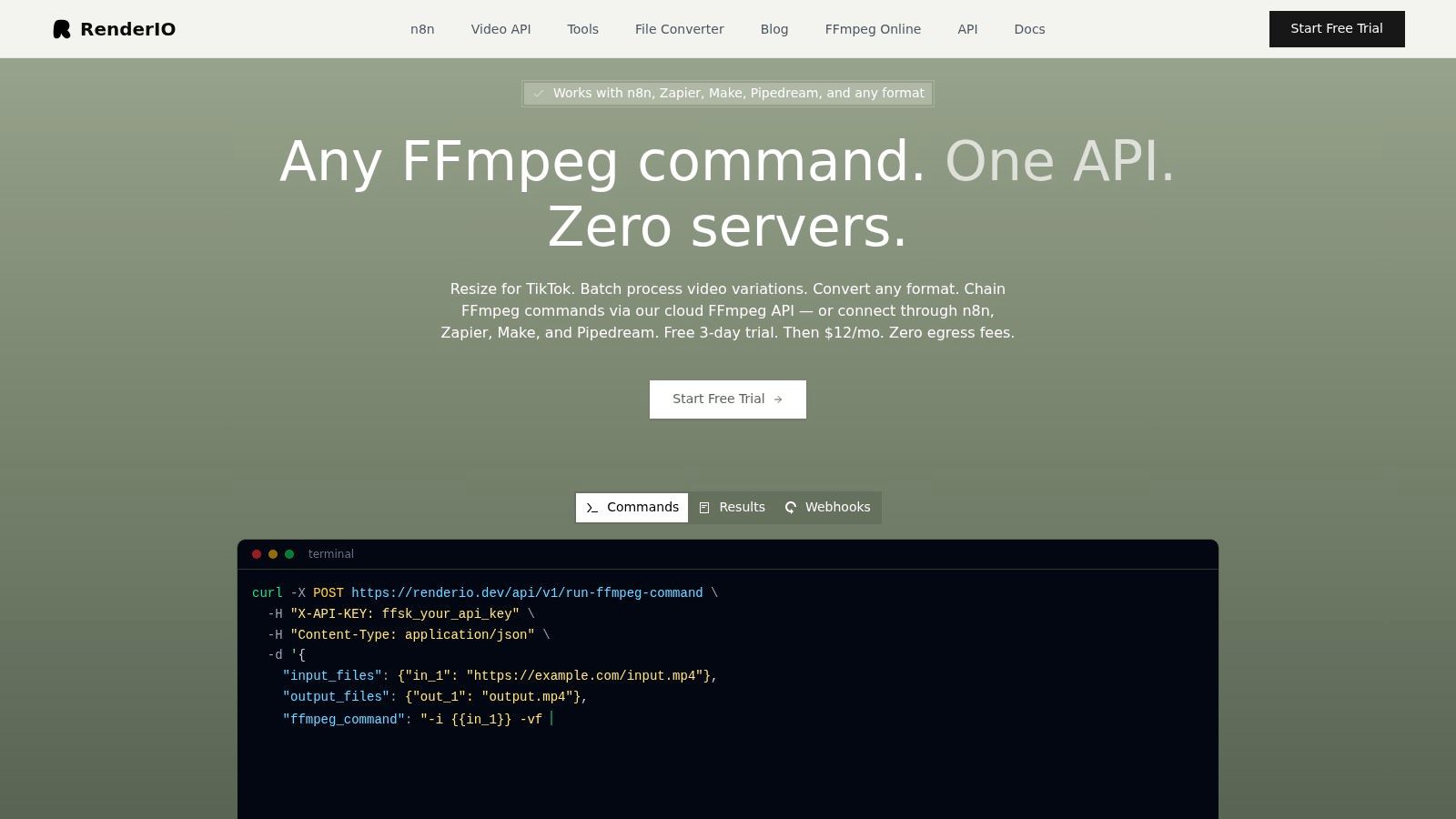
One option is RenderIO, a cloud FFmpeg API where teams post FFmpeg commands to a REST endpoint and receive processed outputs without managing encoding servers. It fits alongside self-hosted workers and generic cloud functions as an execution choice, not as a replacement for your sequencing logic. Your application still owns asset selection, timing files, variant definitions, and approval rules.
Structure requests as idempotent jobs. Derive a stable job key from the approved asset list, normalization settings, timing data, audio choice, and output specification. If a webhook retry or a user double-click submits the same work again, your system should return the existing job instead of paying to encode duplicates.
Trigger Patterns That Work
- Application event: Your backend creates a job after a user approves a set of photos.
- No-code trigger: n8n or Zapier watches a folder, form, or CRM update, then calls the encoding endpoint.
- Scheduled batch: A nightly process builds variants for records that changed that day.
- Webhook completion: The encoder notifies your system, which stores the output reference and updates status without polling.
For endpoint structure and callback design, a practical video API integration guide helps separate command submission, progress tracking, and delivery concerns. Keep platform variants as parallel outputs from the same normalized set where possible. Serial chaining is useful when one output depends on another, but unnecessary chains multiply failure points.
Deliver finished files through signed, expiring URLs rather than permanent public links. Store the job manifest with the output, including command version and variant name. When a stakeholder asks why one video looks different, you should be able to reconstruct the exact inputs that produced it.
Managing Privacy and Consent in Automated Pipelines
Automation changes the risk because it removes the moment when a human notices the wrong person in the background. Google Photos highlight video generation from people, places, themes, or dates shows the convenience clearly, but automated selection can surface sensitive content creators didn't intend to publish, requiring deterministic inclusion rules and audit logs.
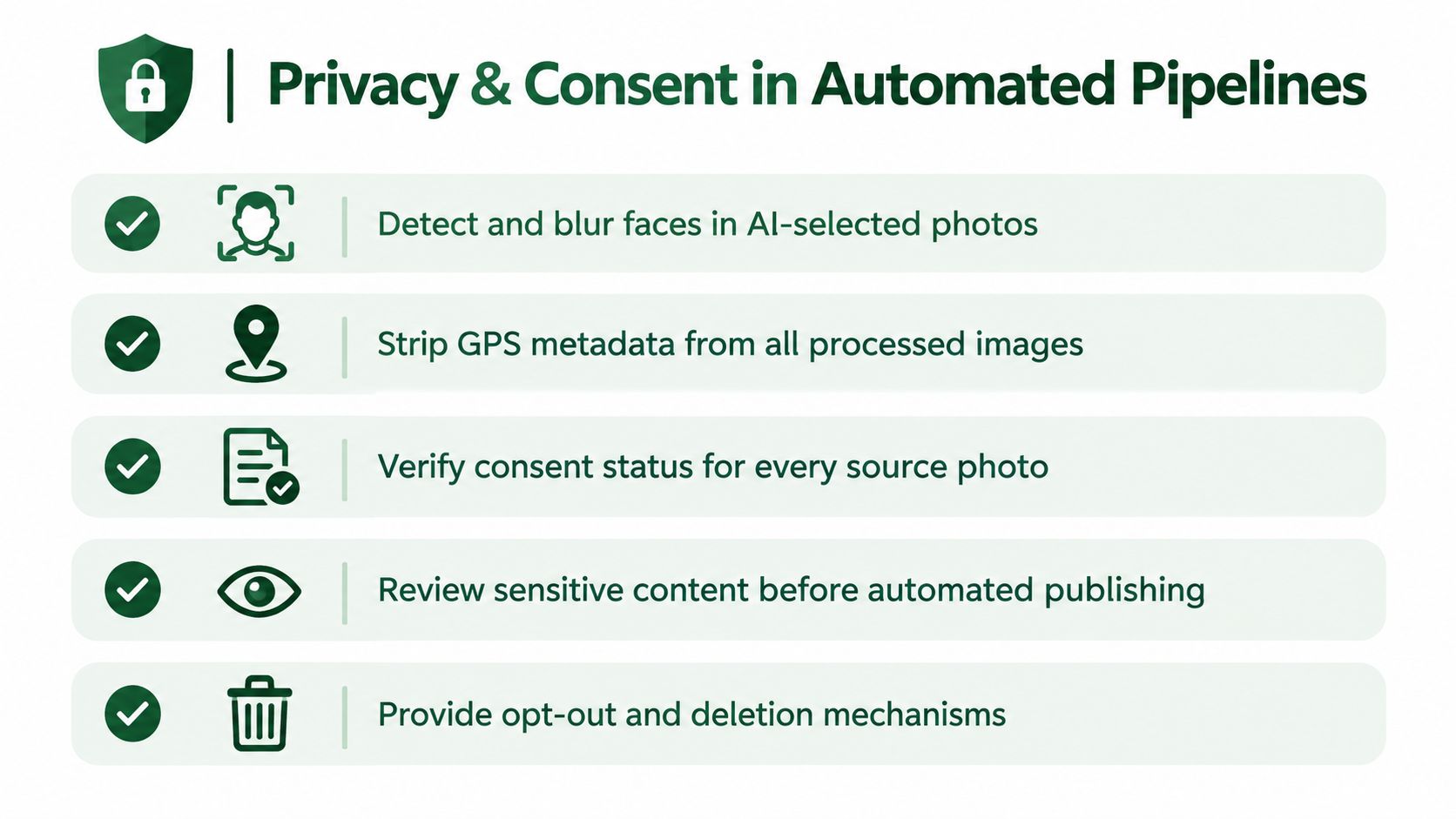
Don't let a search query become your publishing policy. Build inclusion from explicit asset identifiers that have passed rights and consent checks. Exclusion needs equal strength. If a person withdraws consent, a location becomes sensitive, or a client revokes image rights, your system must block that asset from future renders and identify prior outputs that contained it.
Controls to Build Before Volume
- Consent status per asset: Store who approved use, for what channels, and under what limits.
- Face and location review: Flag recognizable people and geolocation metadata for special handling before commercial publishing.
- Metadata separation: Keep provenance in your database, but strip delivery files of location data they don't need.
- Review gate: Hold automatically assembled outputs until an authorized reviewer approves the exact asset manifest.
- Expiring delivery: Use time-limited links and delete temporary normalized files on a defined schedule.
Personal sharing and commercial publishing aren't the same risk category. A family highlight sent to known recipients still deserves care, but a branded campaign needs defensible records for images and music. If you can't prove why an asset was included, convenience has created a liability.
Operational rule: Automated selection may propose. Deterministic policy decides. A human approves anything that carries consent or reputational risk.
Audit logs should capture source identifiers, exclusion checks, reviewer action, render job key, and delivery destination. That's not bureaucracy. It's how you remove one asset systematically instead of hunting through folders after publication.
Debugging Common Encoding Failures and Performance Issues
Most failures fall into two buckets. The asset doesn't match your assumptions, or the command asks FFmpeg to combine incompatible streams. Separate those buckets first, because guessing produces fixes that work once and break on the next upload.
Start with the complete stderr output, not a summarized error banner. The useful line usually names the failing filter, dimension mismatch, unsupported pixel format, or missing input. Save stderr with the job manifest. If your dashboard shows only a generic failure, you're forcing engineers to reproduce work blind.
Frequent Causes and Direct Checks
Dimension and pixel format mismatches. Crossfades fail when inputs don't share size, frame rate, timebase, or pixel format. Inspect normalized intermediates before blaming xfade. Your normalization step should have removed this class of problem. If it didn't, fix it there rather than adding corrective filters throughout the sequence graph.
Memory pressure during transitions. High-resolution stills become full video frames, and complex filter graphs hold multiple decoded streams. Reduce intermediate dimensions to the actual delivery canvas before transitions. Don't carry camera-resolution frames through an encode only to downscale at the end.
Audio sync drift. Check whether image durations, transition overlaps, and audio trimming were calculated from the same timeline. A crossfade shortens visual duration at each join if offsets are handled incorrectly. Recalculate cumulative offsets from the timing manifest, then compare output duration against the expected value programmatically.
Codec and container surprises. Some inputs arrive as HEIC, WebP, or PNG files with alpha. Convert them during normalization to a known intermediate format. Alpha handling deserves an explicit rule, because flattening onto black, white, or brand color produces visibly different results.
For repeatable verification, build checks around duration, dimensions, stream presence, and file integrity using video testing automation practices. Validate before delivery, not after a platform rejects the upload. A small probe step that reads back the finished file catches truncated outputs and missing audio while the job context is still available.
When performance matters more than transitions, prefer the concat demuxer path with hard cuts. When transitions matter, accept the re-encode and keep the graph generated, tested, and logged. The worst option is a hand-edited mega-command nobody can safely change.
Turn your approved photos into deterministic, platform-ready variants without babysitting encoding servers, queues, or storage. Explore RenderIO to run your FFmpeg photo-to-video commands through a cloud API built for repeatable production, webhook-driven automation, and secure delivery.